

Latest Version
AICREATION STUDIO Co., LTD
Travel & Local
Windows
Free
9mwnblf8bxrl
Report a Problem
More About My Daily Planner
An Intuitive Approach to Daily Time Management
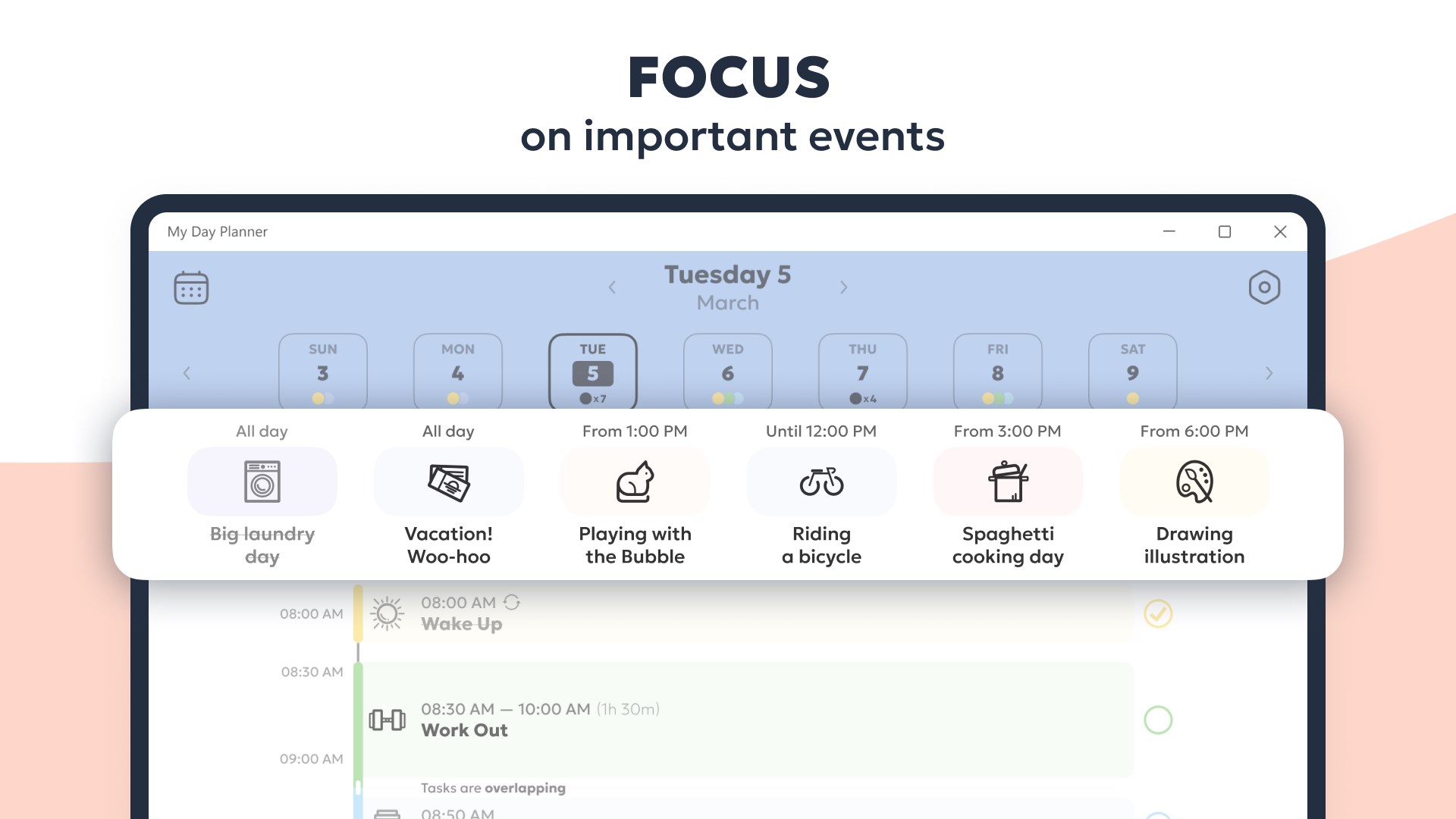
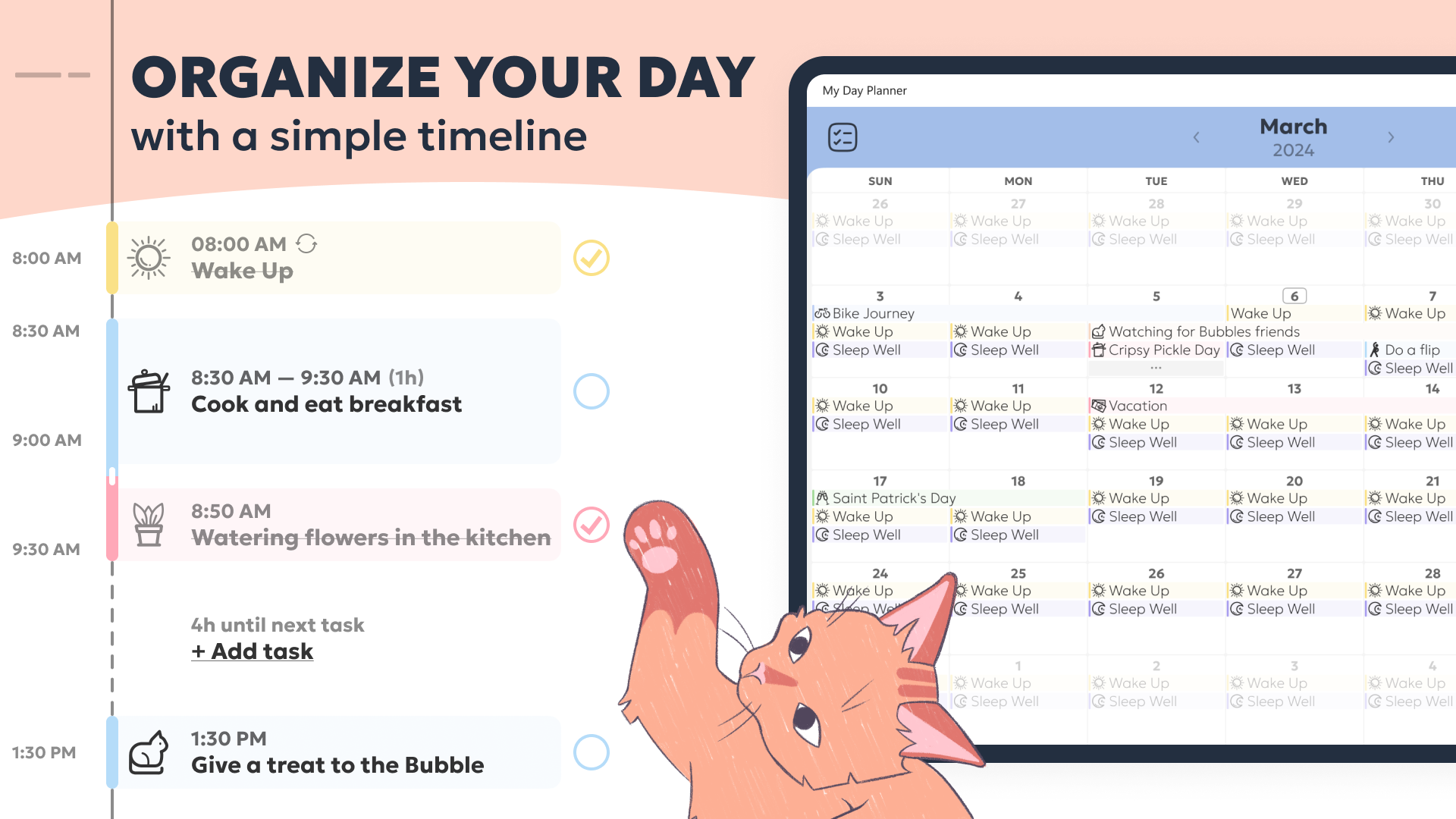
If you have ever struggled to keep track of your daily commitments, My Daily Planner - Routine & Schedule Planning offers a streamlined, visually engaging solution to structure your day. Developed by AICREATION STUDIO Co., LTD, this Windows application focuses on rendering your daily schedule into a highly readable, actionable timeline. By transforming abstract lists into a structured vertical timeline, it helps users understand at a glance what needs their attention next, reducing the cognitive load of daily planning.
Key Features of My Daily Planner - Routine & Schedule Planning
This software goes beyond basic to-do lists by integrating several visual and functional customization tools designed for maximum efficiency:
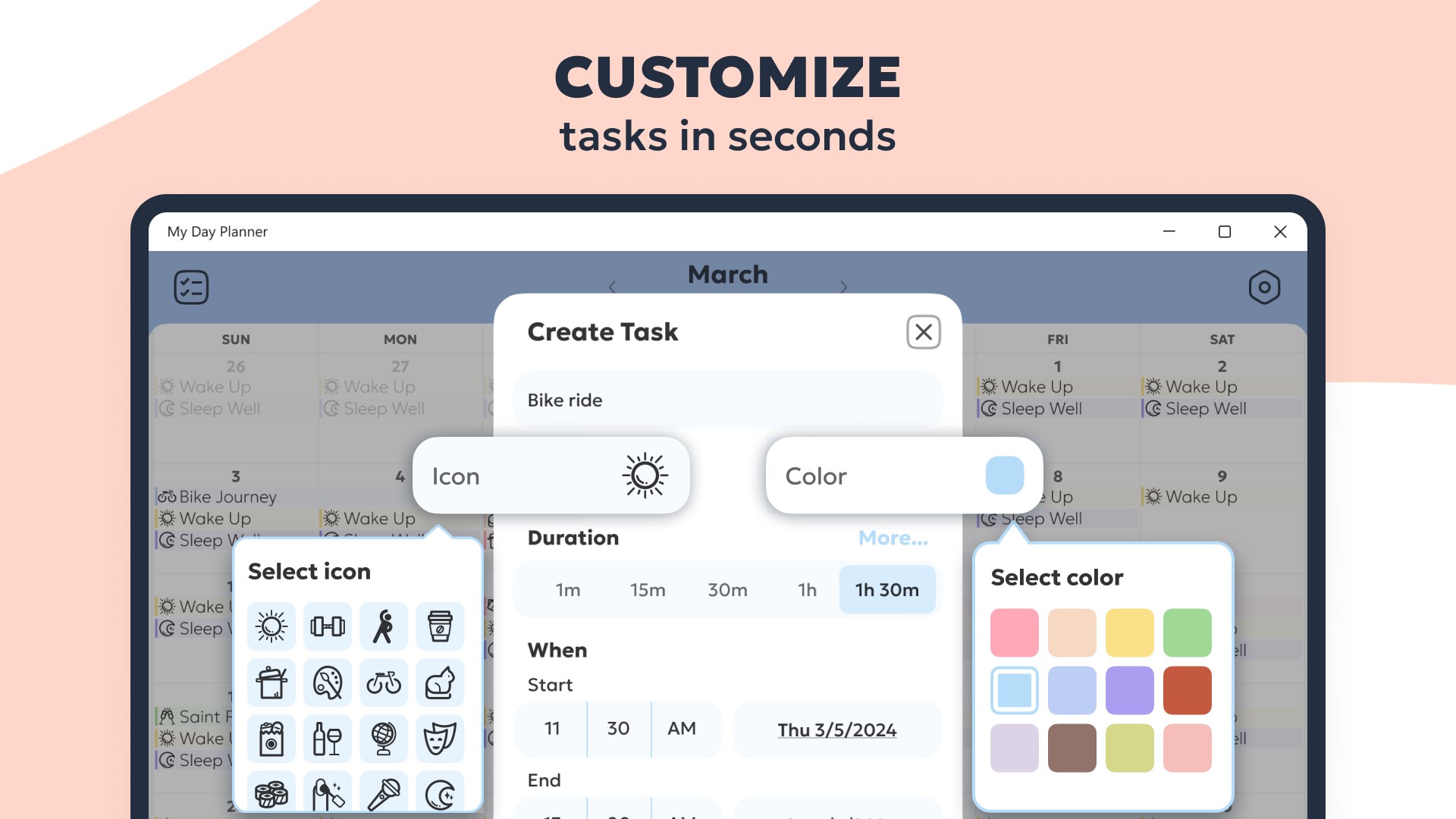
- Flexible Task Creation: Quickly set up tasks with custom titles, specific durations, and precise start times.
- Visual Personalization: Assign distinct icons and color codes to different categories of activities for rapid recognition.
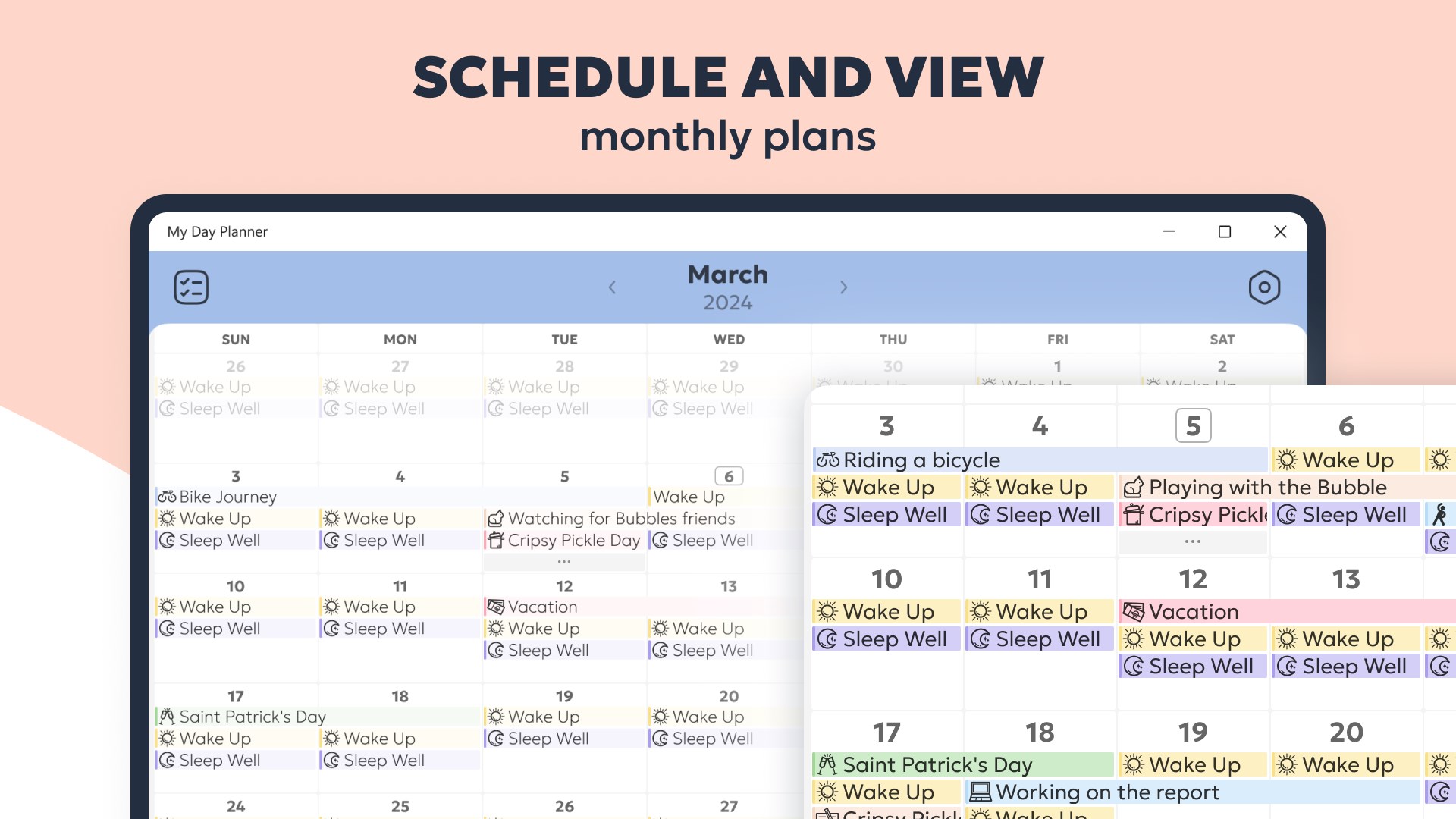
- Dual-View Interface: Transition seamlessly between a detailed vertical daily timeline and a broader monthly calendar overview.
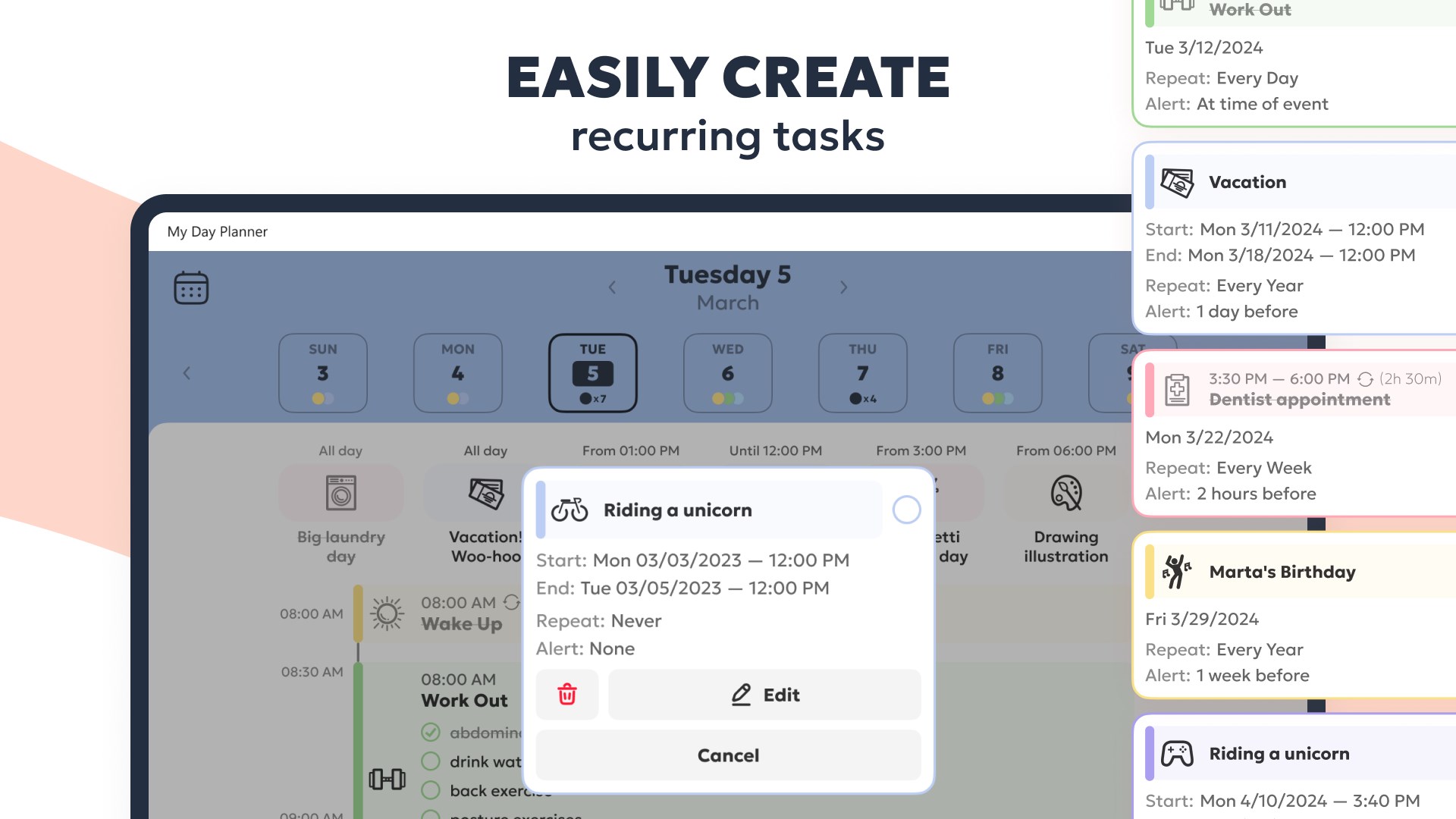
- Smart Automation: Configure recurring tasks for your regular habits and use built-in notifications to stay on track.
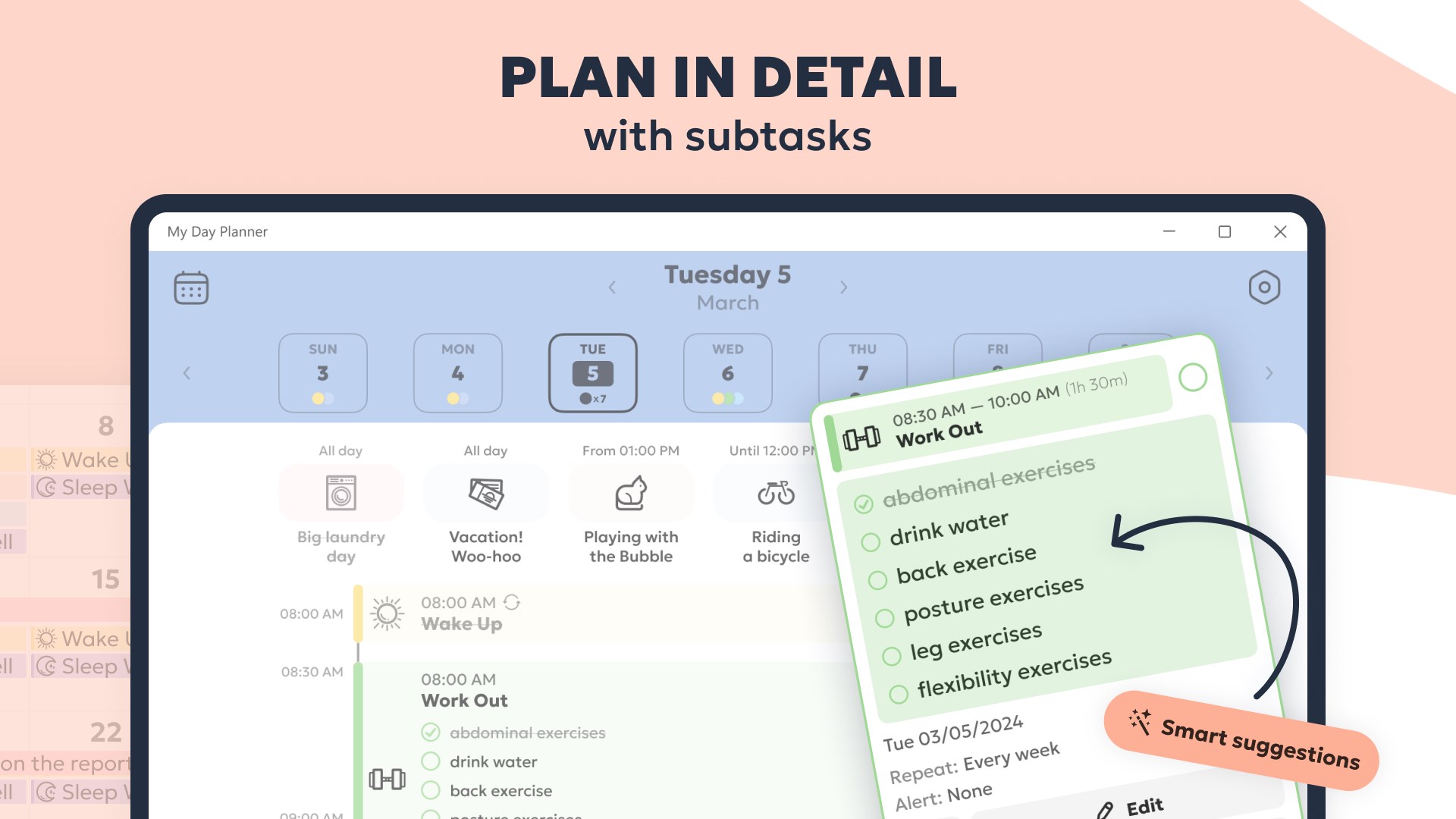
- AI-Assisted Planning: Leverage the integrated AI subtask generation tool to break down complex goals into manageable steps.
- Aesthetic Adaptability: Switch between light and dark modes to match your workspace environment and reduce eye strain.
Understanding the Free vs. Premium Tiers
The application is free to download and utilize, operating on a freemium model. Free users have access to essential scheduling tools, a curated selection of icons, and one complimentary AI subtask generation. To unlock the full potential of My Daily Planner - Routine & Schedule Planning—including unlimited tasks, the complete icon library, recurring schedule patterns, and unlimited AI-driven subtask breakdowns—a premium subscription is available.
Is It Right for Your Workflow?
Whether you are a professional balancing multiple projects or someone trying to build consistent personal habits, this Windows application offers the structure needed to stay organized. Its clean design and native desktop performance make it an excellent addition to any productivity suite.
To experience this structured approach to time management firsthand, head over to the official Microsoft Store to explore the application today.
Rate the App
User Reviews













Popular Apps









Editor's Choice